Throughout the semester I’ve taken a lot of photos. I’ve been so happy with my progress throughout the semester and all of the new things I’ve learned about my camera and camera settings. I went through my photos and found one that I’m very proud of and that I want printed out.
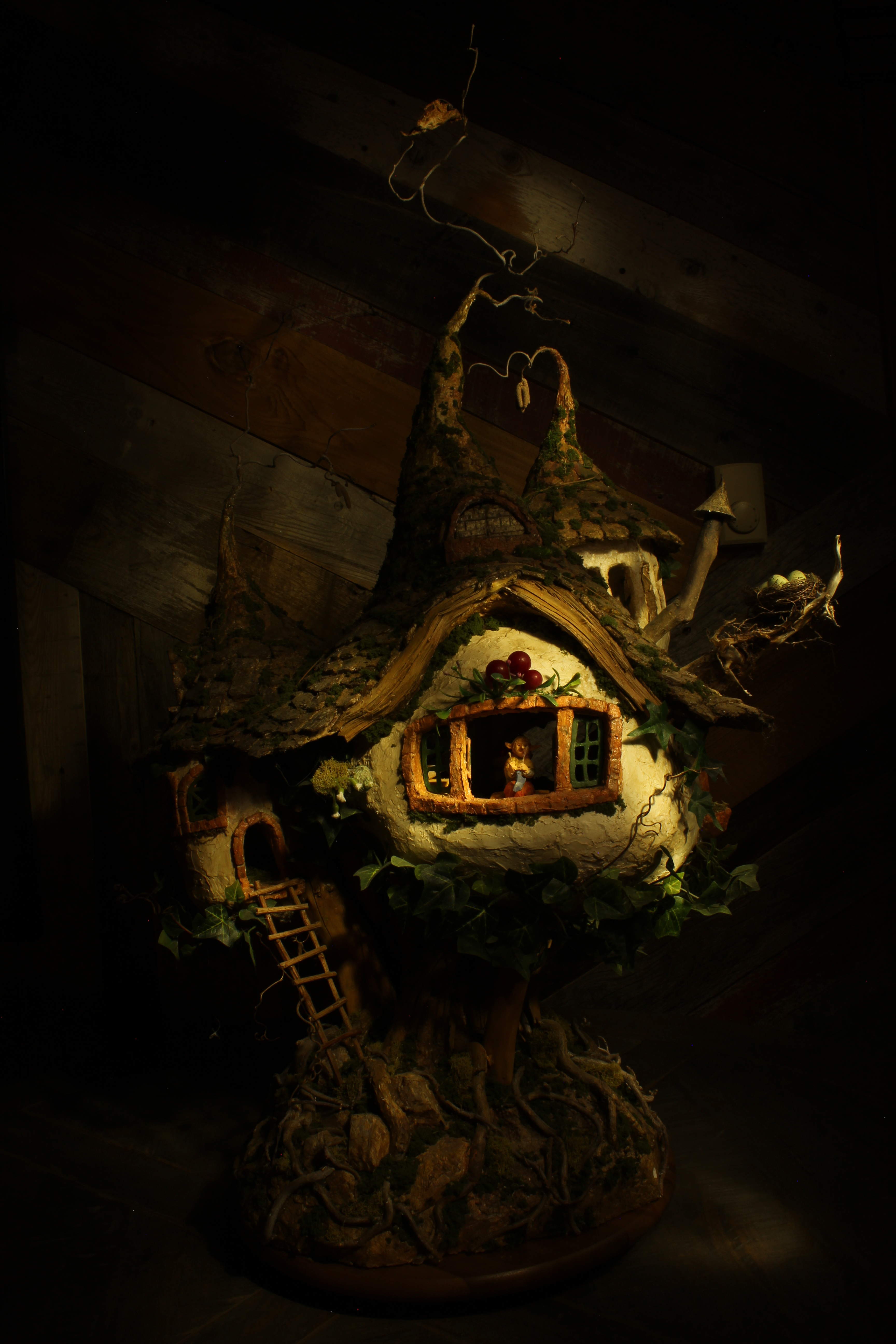
Before
After
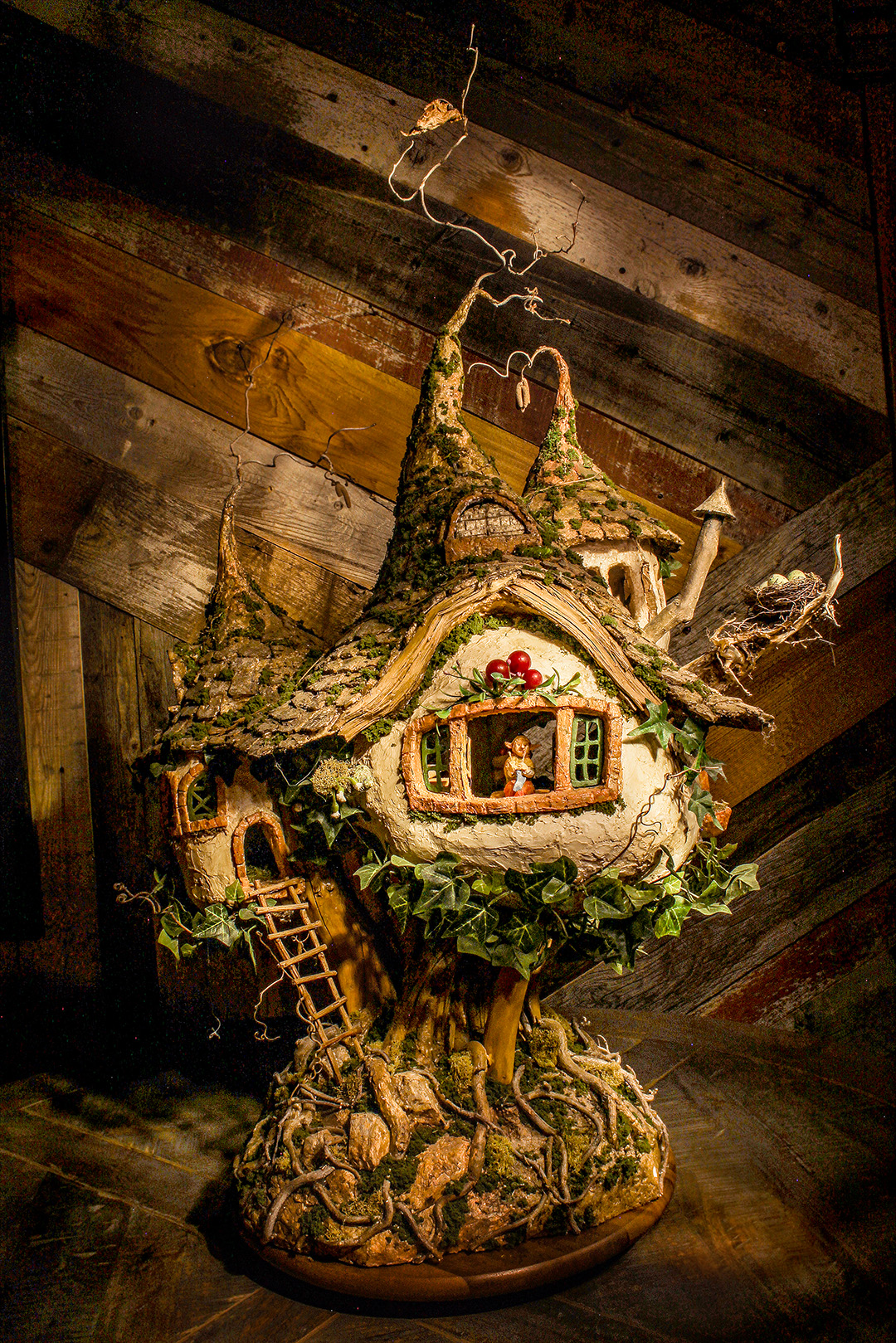
During the editing process I lightened the darks and the highlights, as well as the exposure. This was to make the image all around brighter. I also changed the temperature of the photo to a cooler color. When you do light painting, the image ends up turning out having a yellow tint to it. I also sharpened the focal point of the image, the gnome. One last thing that I did was use the clone tool to take out the thermometer in the background of the original photo. The image right now looks almost too bright, but when it’s printed out the image will be darkened and it won’t look as bright.
 Abbi Rosenow's Website